THE CHALLENGE
Context & Problem
The homepage struggled to explain the platform's audience and value. Dense content and competing priorities weakened the path into networking, knowledge sharing, and engagement.
EARLY ITERATIONS
Usability testing, then the first interface explorations
The work started with a printed usability-testing method. Early mock-ups then examined navigation, core content, supporting widgets, and where to introduce dashboard customization.
Usability testing
The test evaluated layout and customization options with 10 participants, looking for patterns in how those choices were arranged.
RESEARCH · USABILITY TESTING
EARLY · INITIAL STRUCTURE
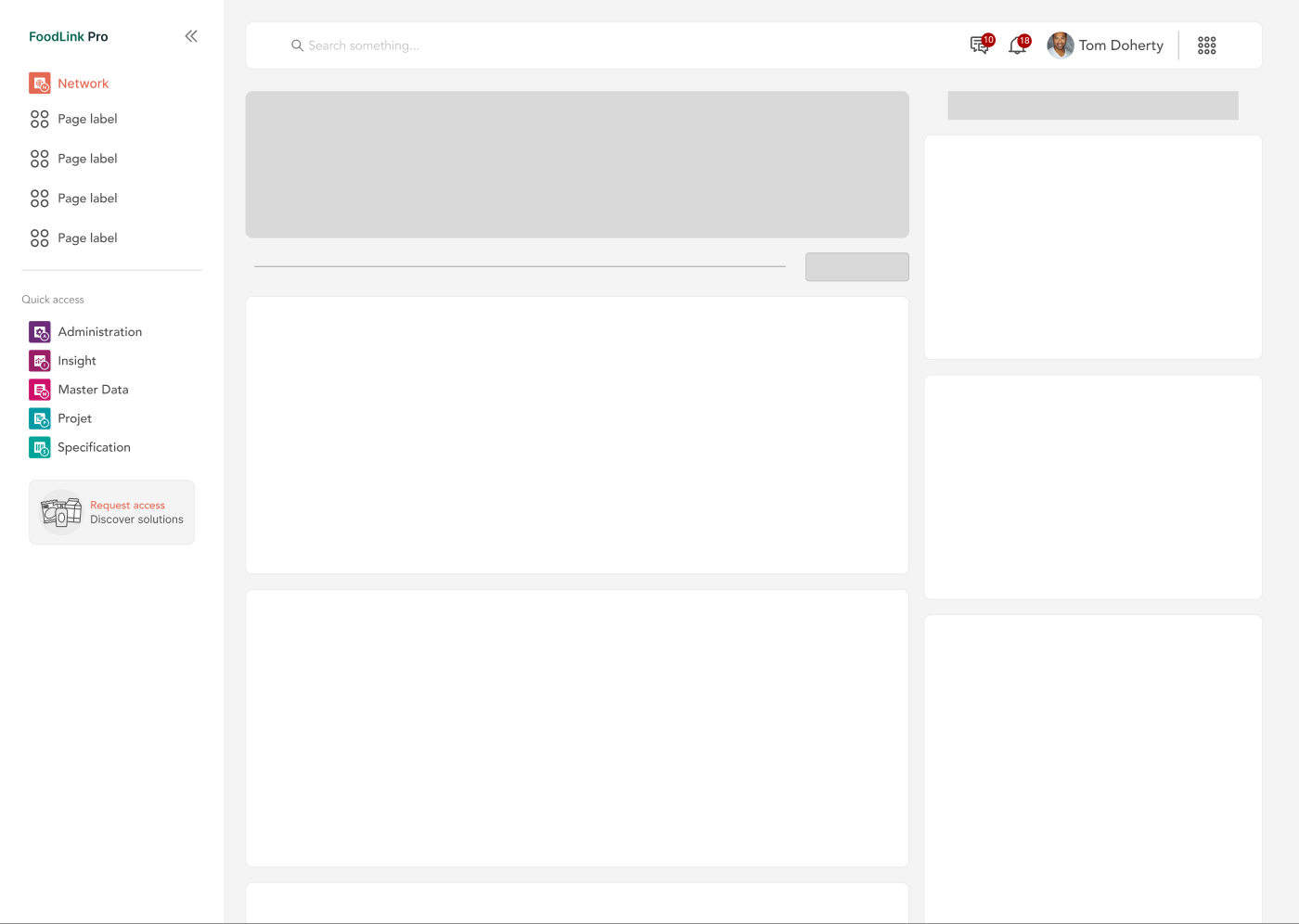
EARLY · CUSTOMIZATION WIREFRAME
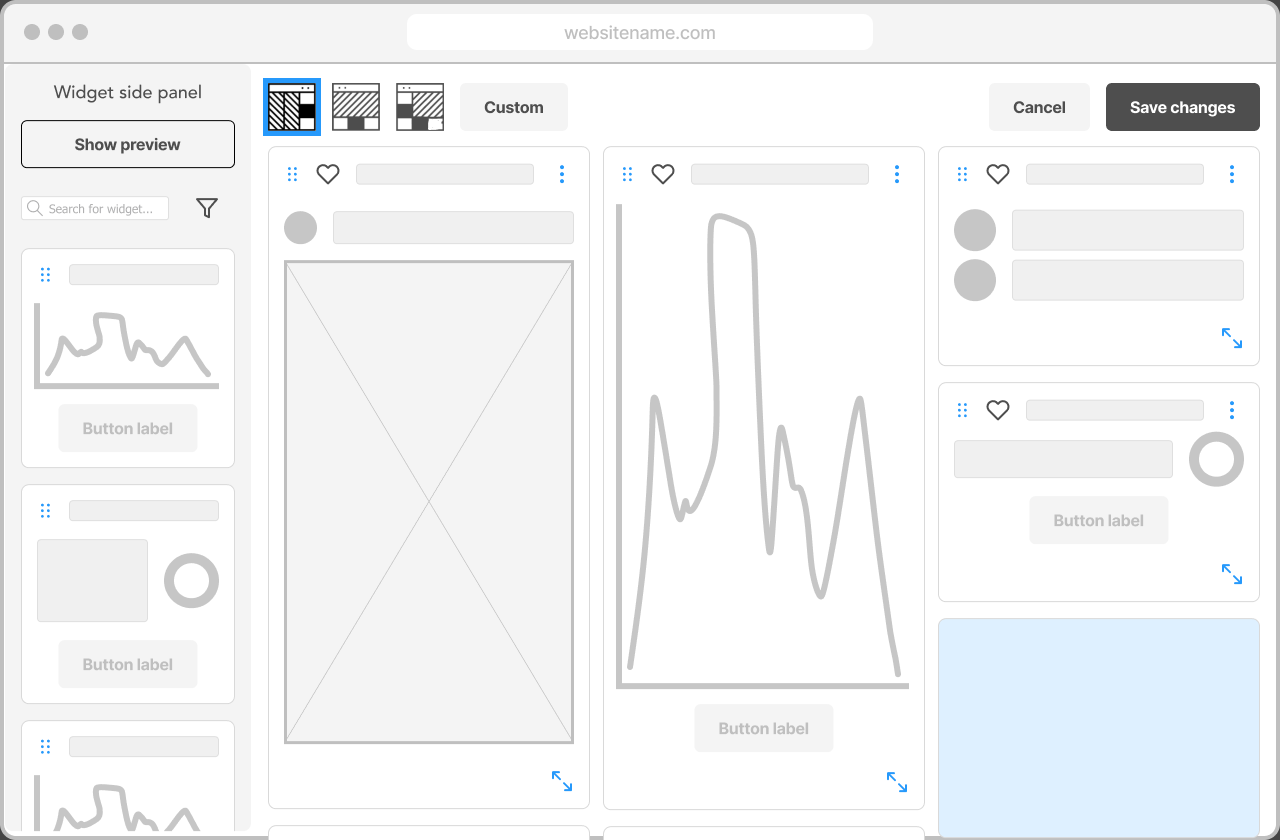
MY CONTRIBUTION
Approach & Ownership
I led the design work from research framing and content analysis through homepage strategy, UI, handoff, and application QA, aligning stakeholder goals with the needs of different professional audiences.
REFINED APPROACH
Separating everyday use from customization
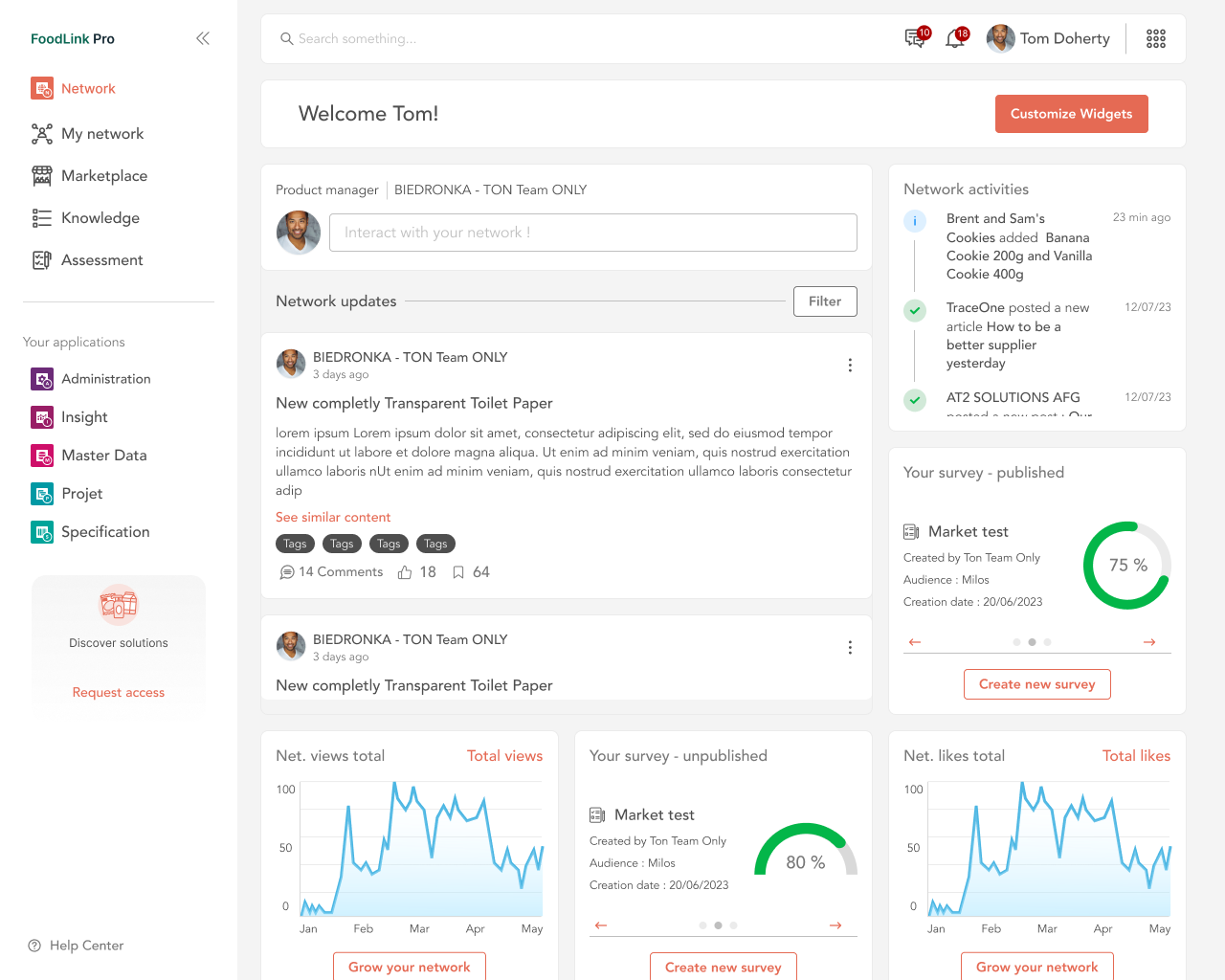
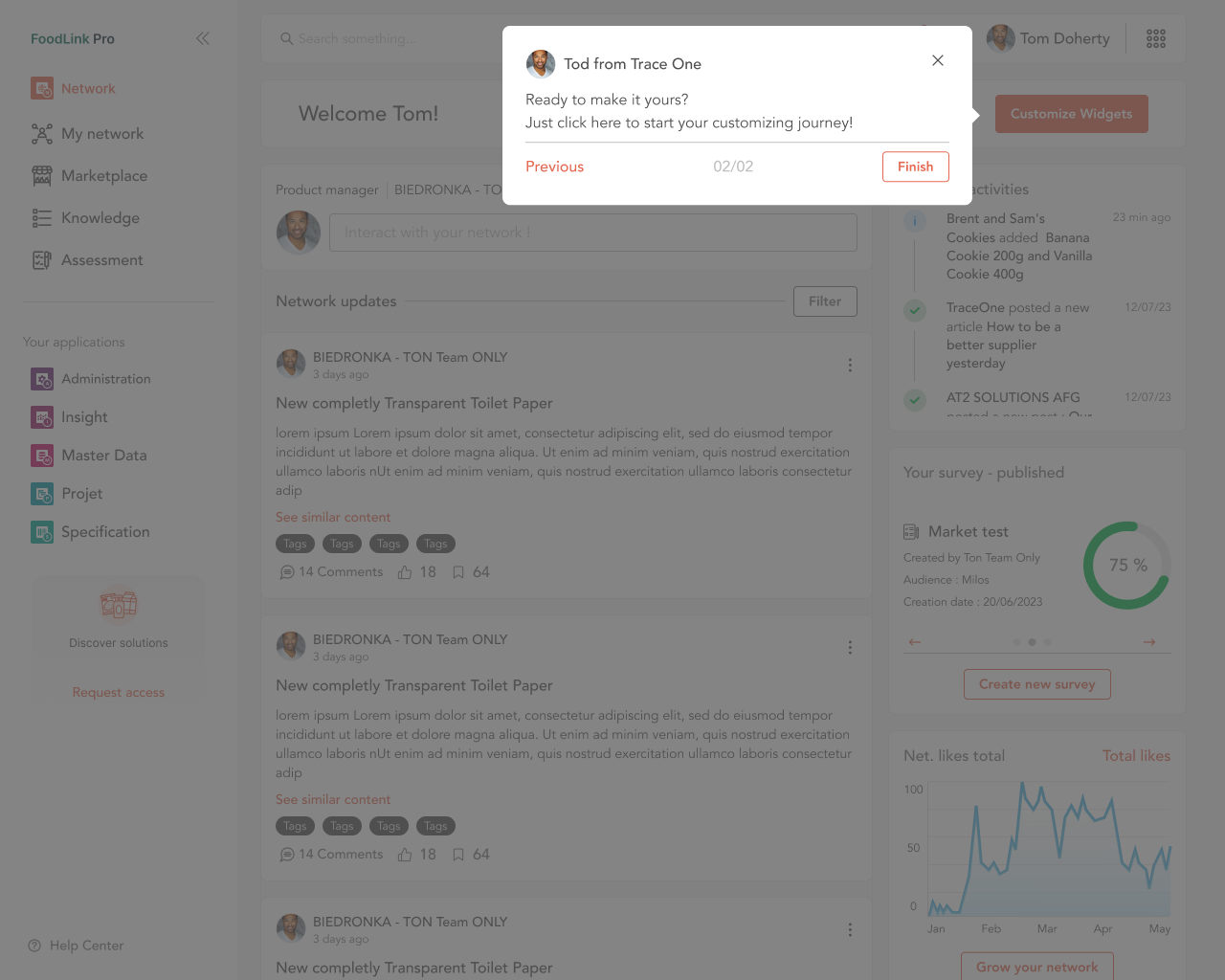
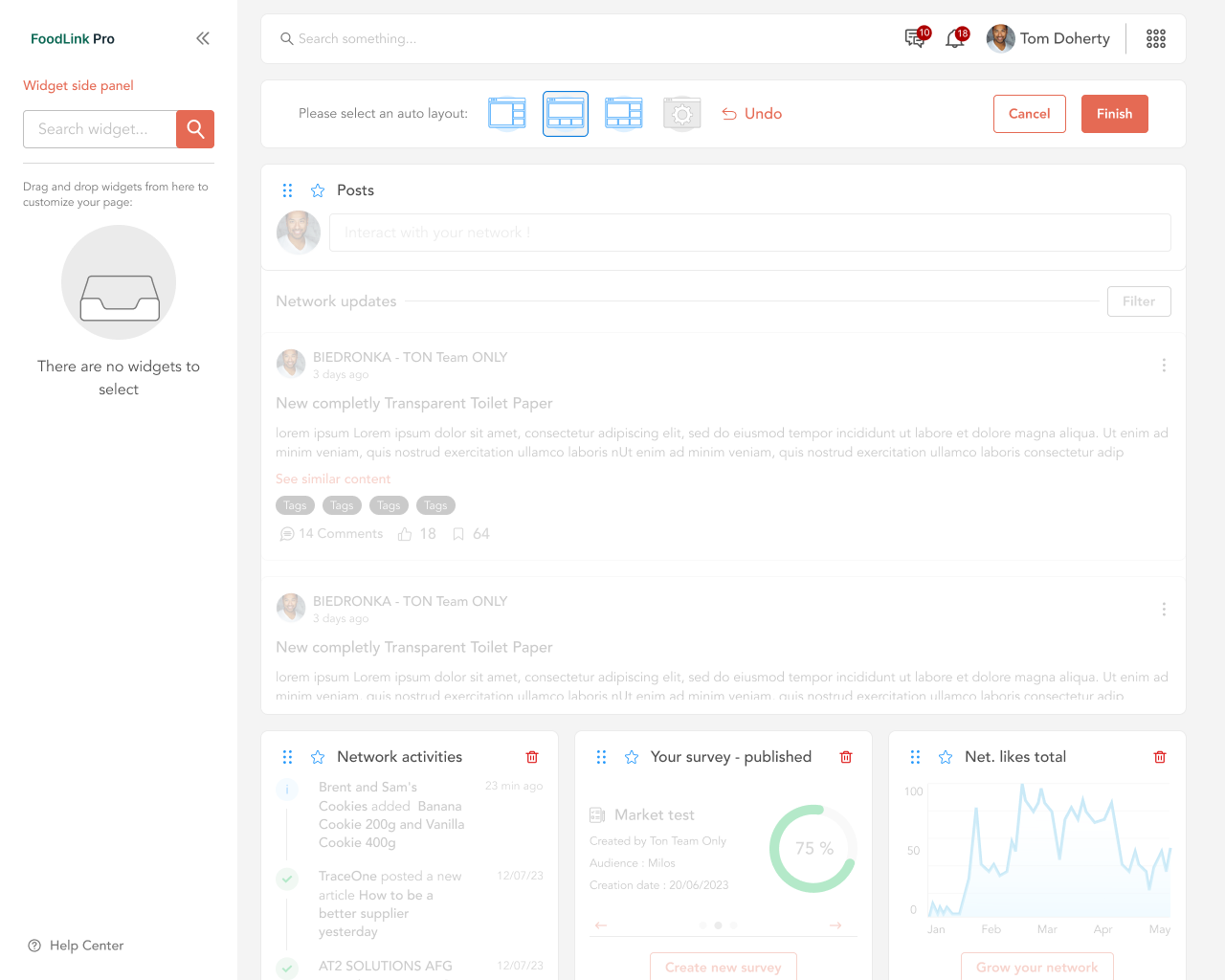
The refined approach keeps everyday dashboard use focused, introduces customization through contextual guidance, and reveals editing controls in a dedicated mode.
REFINED · SAVED DASHBOARD
REFINED · CONTEXTUAL ONBOARDING
REFINED · EDITING MODE
KEY DECISIONS
Strategic Choices
- 01
Lead with a clear value proposition above the fold.
- 02
Prioritise content using a stronger hierarchy and progressive disclosure.
- 03
Offer recognisable entry points for different professional needs.
- 04
Build a flexible structure that can accommodate future content and features.
OUTCOME
Results & Evidence
The redesign delivered a clearer homepage structure and a stronger foundation for onboarding and engagement. No measured conversion or engagement lift was supplied, so these are design outcomes rather than verified KPI gains.
LEADERSHIP LENS
What This Demonstrates
Shows how I frame a design problem around audience decisions and business objectives, not just visual refinement.